3D Viewer
for AR and VR
%
Faster Concept Design Phase
%
Lower Production Costs
%
Fewer Business Trips
%
Reduction in Errors
FEATURES
Work with Your 3D Content in Original Scale and Complexity
Hololight Space is Hololight’s 3D viewer
for AR and VR.
View and work with your 3D models at true 1:1 scale and full complexity without time-consuming preparation and optimization processes.
Simply import your CAD files in all major industry formats. Hololight Space renders the scene and streams only the final image to the headset using our proprietary XR streaming technology, overcoming device limitations.
Accelerate designs, reduce costs and waste, improve collaboration, and increase quality by quickly identifying errors.
Import CAD Files
Import a variety of 3D CAD file formats from Autodesk, Siemens, Dassault Systémes, USD files, and many more.
Extensive Tools Menu
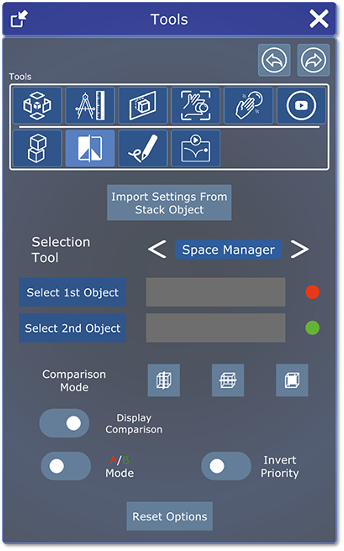
Interact with your 3D content using a variety of tools, incl. cross-section, collision detection, X-ray, and annotation.
XR Streaming
No need for data preparation as rendered images are pixel streamed in the original quality and complexity.

Easy Parts Management
Manage files, navigate the entire hierarchy, and sort your 3D CAD files in one place, just like in CATIA, Creo, SolidWorks, AutoCAD, etc.
Collaborative Meetings
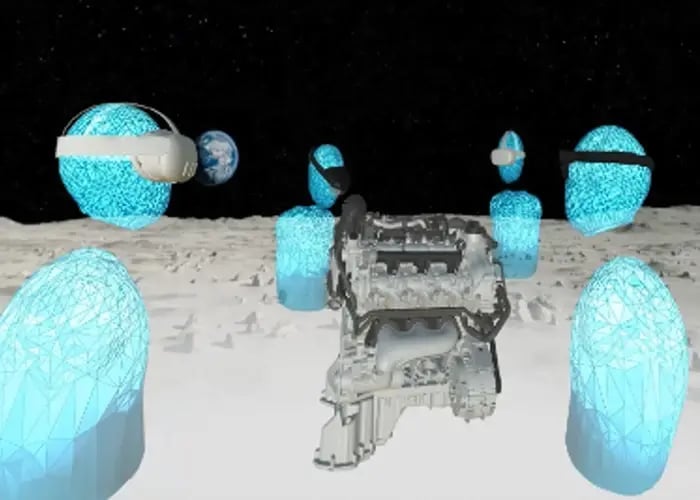
Create and join sessions to work in collaborative meetings. Hololight Space is the first XR visualization software to enable multi-user mode between AR and VR.
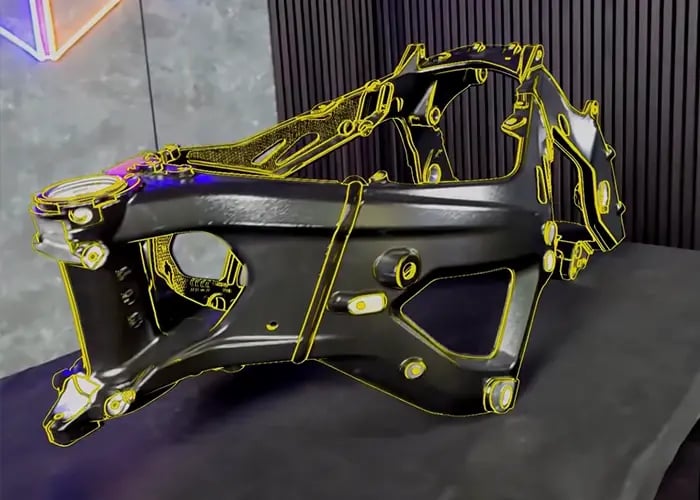
Real World Referencing
Use object tracking, QR codes or 2-point alignment as a reference to overlay and position objects in the real world.


Explosion View
Separate your model's components along a chosen axis to reveal internal structure and part relationships at a glance.
Measure
Quickly measure distances and angles directly on your 3D model for precise spatial verification.
Cross Section
Cut through your model using different shapes to expose its interior. Simply scale the section object to control how much is revealed.
Collision Detection
Highlights where your hand intersects with the model, making it easy to identify hard-to-reach areas during assembly planning.
Comparison
Overlay two models to instantly spot differences between versions or variants.
Annotation
Mark up your model in 3D with freehand drawings, text, and stamps, ideal for review and approval workflows.
COMPATIBILITY
Work Seamlessly Across Devices & File Types
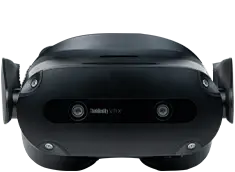
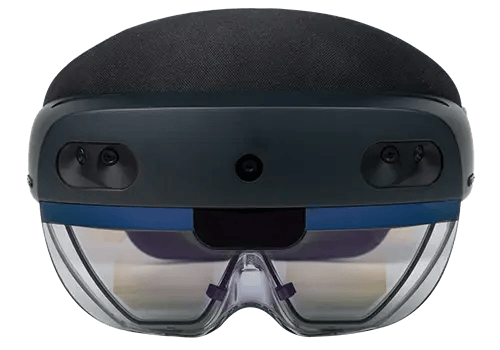
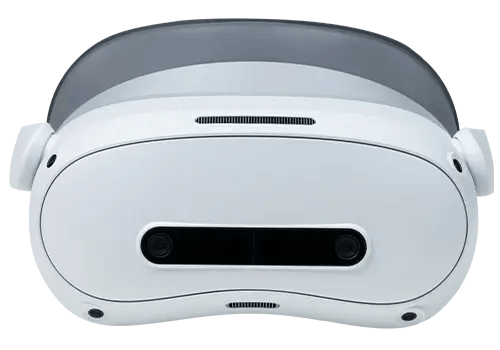
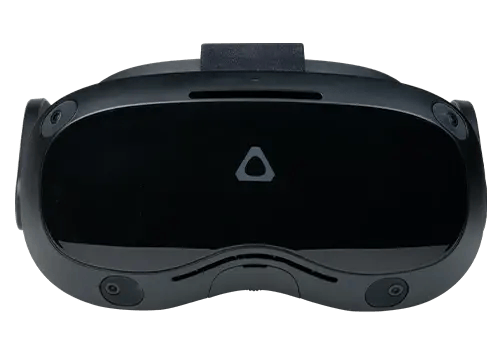
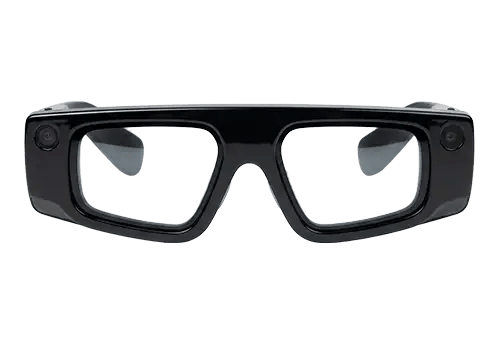
Hololight's 3D viewer for XR supports a wide range of AR and VR devices and industry-standard 3D file types, ensuring you can work with the tools and formats you rely on.
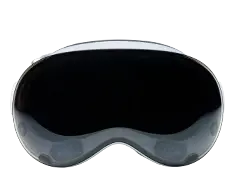
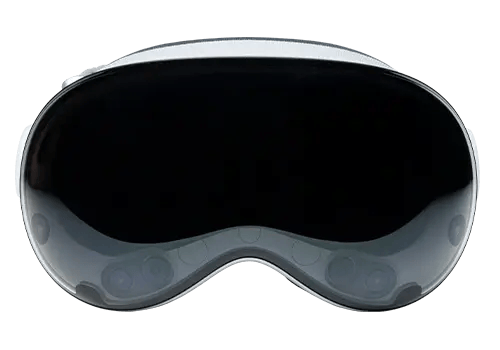
Apple Vision Pro
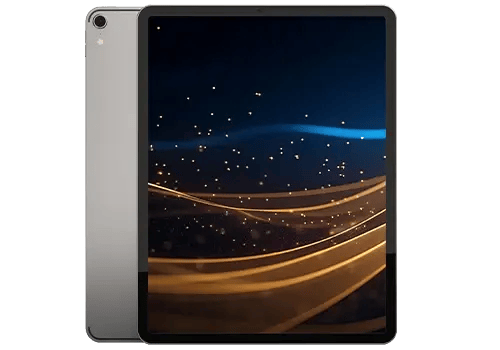
iOS
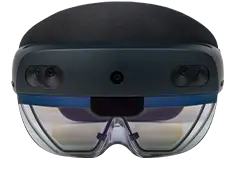
Microsoft HoloLens 2
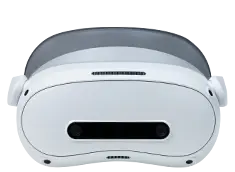
PICO 4 Ultra Enterprise
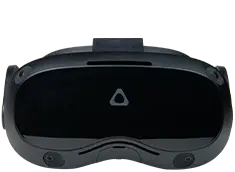
HTC VIVE Family
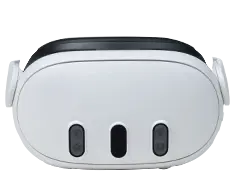
Meta Quest Family
Snap Spectacles
Works with all established CAD formats as well as pdf and common image and video files.
FAQ
Learn more about Hololights 3D viewer
-
What file formats can be imported?
You can import a wide variety of 3D file formats designed in tools such as Siemens NX, CATIA, Solidworks, BIM, Solidedge, AutoCAD, Inventor, PTC Creo, or exchange file formats, such as .jt, .fbx, .step, .usd, .glTF.
You can also visualize other file formats such as .mp4, .pdf, .jpg, .png.
-
How do I import 3D content into the viewer?
Users can import their 3D CAD models without any additional data preparation or polygon reduction. We offer several ways to import your 3D CAD model into Hololight Space, depending on your infrastructure.
-
Save your 3D CAD files on your Windows PC
-
Save your 3D CAD files to cloud storage
-
Drag and drop your 3D CAD files from your Windows file explorer into Hololight Space
-
Load your 3D CAD files using the file explorer in Hololight Space
-
Load your 3D CAD files by using the NVIDIA Omniverse integration
-
-
How much work does it take to prepare my 3D CAD models for the viewer?
You don’t have to worry about polygon reduction of 3D CAD models. By streaming only rendered images from external, more powerful servers with high-end GPUs, users can view and work with their 3D content in high fidelity.
-
Can I view my NVIDIA Omniverse files in augmented reality?
Yes, Hololight 3D viewer provides direct access to USD files within NVIDIA Omniverse (local/cloud). An NVIDIA Omniverse account is required.
-
Can I save my work in Hololights 3D viewer?
Yes. You can save your 3D CAD models incl. annotations, measurements and edits in a workspace and load them later. This allows you to prepare for meetings and continue your work on another day.
-
Why is Hololights 3D viewer streamed?
Typically, the performance of AR and VR headsets is limited, as is the size and complexity of industrial 3D content (e.g. machines, cars, airplanes). To allow users to see all the details of their 3D objects and avoid time-consuming data preparation, lower level of detail (LoD) or polygon reduction, Hololight provides unique integrated streaming technology. This way the application runs on more powerful local servers or in the cloud and pixelstream content in real time to the XR device. Because the data is stored on IT-managed servers, sensitive data is much better protected, increasing data security.
-
Which XR streaming technology does Hololight use in their 3D viewer?
Hololights 3D viewer uses our own XR streaming technology, a powerful pixel streaming solution for augmented and virtual reality apps, optimized for the usage in industrial and enterprise environments. XR Applications like our 3D viewer can be streamed via Wifi, 5G or Lifi networks.
-
Can I choose which infrastructure/servers I can stream from?
Yes. Customers can choose the infrastructure they want to use, including gaming laptops, on-premises servers, public cloud, private cloud, 5G campus, or government cloud solutions.
-
Which AR and VR headsets are supported?
Hololights 3D viewer officially supports Magic Leap 2, Meta Quest 3, Meta Quest 2, and Microsoft HoloLens 2. Users can also join a session with the Spectator, our companion application that supports Apple iPad Pro. Please note that we are constantly working to expand the device landscape. For an overview of the features on different devices, please visit our support base page.
-
What's the difference between using Hololights 3D viewer in augmented reality and virtual reality?
Our 3D viewer runs on both VR devices (e.g. Meta Quest 3) and AR devices (Microsoft HoloLens 2, Magic Leap 2). The choice of hardware depends on the use case. Use cases that require the embedding of virtual objects in the real world require an industrial AR device or a VR device with camera pass-through functionality. If the overlay of the real environment is not important, a VR device can be a good choice.
-
How can I optimize my engineering processes with AR and VR?
With 10 years of experience in the XR enterprise market, our experts can help you identify potential applications for Hololight Space within your organization.
Industrial augmented reality and virtual reality can optimize your processes throughout the entire product lifecycle (PLM). We can help you accelerate design evaluations, reduce design errors, improve collaboration, reduce physical prototyping costs, and improve decision making.
Read in our success story section how customers have accelerated design evaluations by 25%, reduced physical prototyping costs by 50%, minimized travel by 50%, and reduced design errors by 90%.
Read our complete, practical guide to starting AR in product development here. -
How can I visualize my digital twin in augmented reality?
Digital twins are complex and contain a lot of information. Streaming digital twin content in augmented and virtual reality allows you to visualize all details and work inside a full-scale representation of your factory, engine, machine, turbine, or cooling system.
Read our complete, practical guide to starting AR in product development here.