3D CAD Viewer
for Enterprise AR & VR
View and work with complex 3D CAD models at true 1:1 scale and full detail in AR and VR. Hololight gives engineering, design, and manufacturing teams a 3D CAD viewer that combines immersive visualization, model inspection, collaboration, and pixel streaming—without time-consuming data preparation or polygon reduction.
Use the CAD visualization software your teams need to review designs, identify issues, and make decisions earlier in the product lifecycle.
%
Faster Design Evaluations
%
Lower Prototyping Costs
%
Less Travel
%
Fewer Design Errors
FEATURES
Your 3D Models at Full Scale and Complexity in AR and VR
Hololight Space is the VR and AR 3D Viewer for Industrial XR.
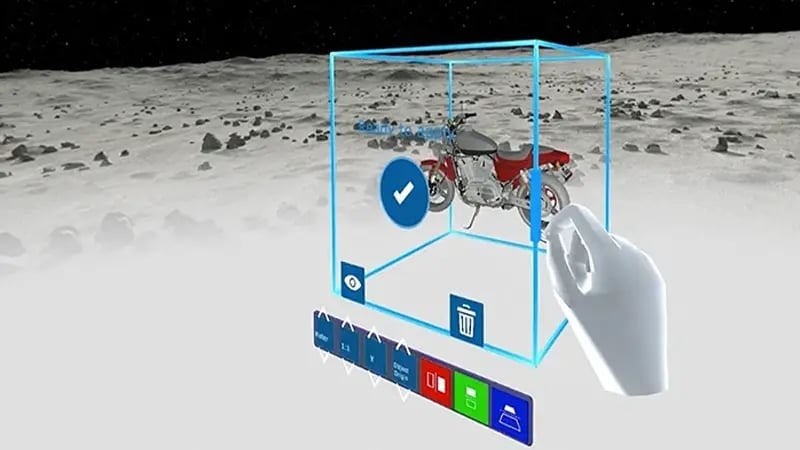
Hololight Space is Hololight’s 3D viewer application for industrial XR, delivered through Hololight Hub. Import CAD files from the tools and formats your teams already use, then inspect and discuss models in AR or VR at true 1:1 scale and original complexity. Hololight Stream runs the application on powerful external infrastructure and pixel-streams only the rendered visual output to the device. This lets teams work with demanding models without preparing lighter versions for each headset. Accelerate designs, reduce costs and waste, improve collaboration, and increase quality by quickly identifying errors.
Powered by Hololight's XR streaming technology.
Import CAD Files
Import a variety of 3D CAD file formats from Autodesk, Siemens, Dassault Systèmes, USD files, and many more. Bring models into the viewer from a Windows PC, cloud storage, file explorer, drag-and-drop workflows, or the NVIDIA Omniverse integration.
Extensive Tools Menu
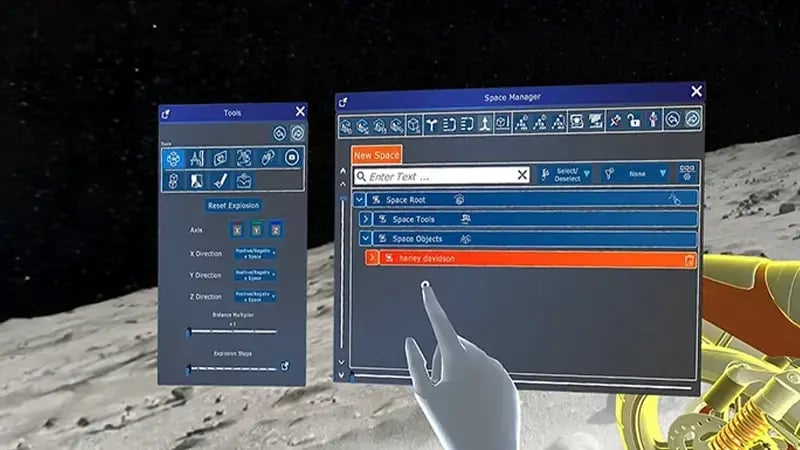
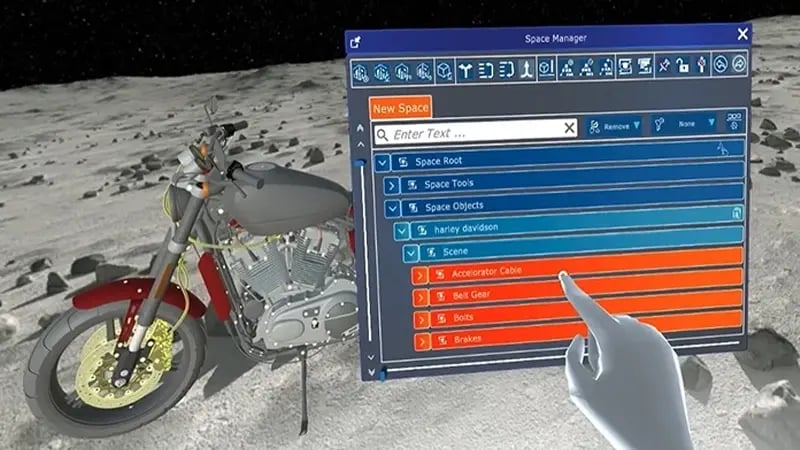
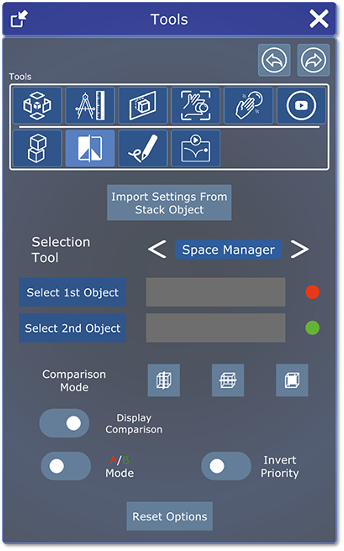
Inspect and communicate design intent with tools including explosion view, measurement, cross-section, collision detection, comparison, and annotation. Review internal structures, compare variants, and mark up models without leaving the immersive workflow.
XR Streaming
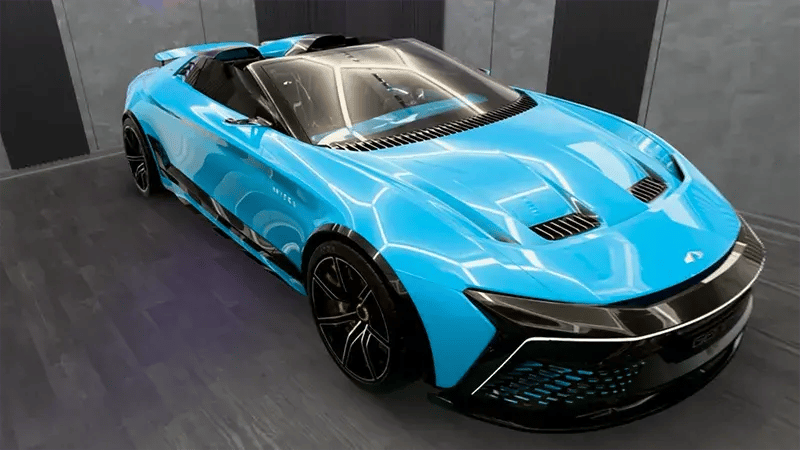
Work with rendered images pixel-streamed at the original visual quality and complexity. Because the application runs on more powerful external infrastructure, teams can review demanding models without polygon reduction or repeated optimization for individual devices.
Easy Parts Management
Manage files, navigate the full model hierarchy, and sort 3D CAD files in one place—similar to the workflows teams already use in CATIA, Creo, SolidWorks, AutoCAD, and related engineering environments.
Collaborative Meetings
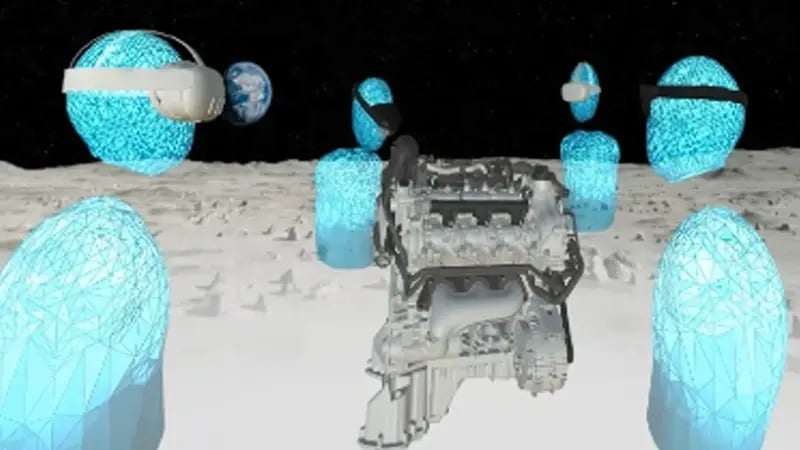
Create and join shared sessions for design reviews and engineering meetings. Hololight Space supports multi-user collaboration between AR and VR participants so distributed teams can examine the same model together.
Real World Referencing
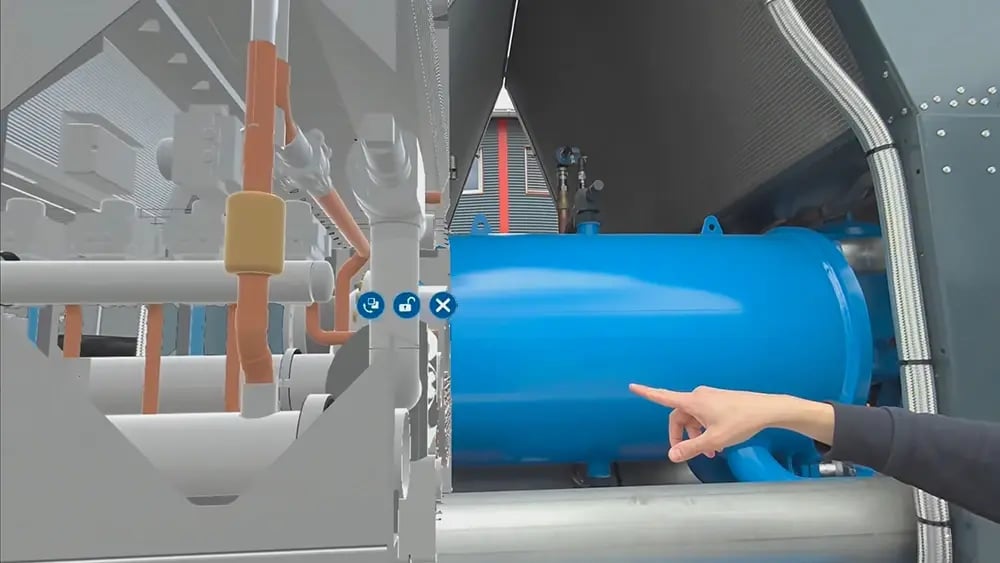
Use object tracking, QR codes, or two-point alignment to position digital models in relation to the physical environment. Compare the digital model with real-world objects during planning, review, and validation workflows.
ORCHESTRATION PLATFORM
A 3D CAD Viewer Delivered Through Hololight Hub
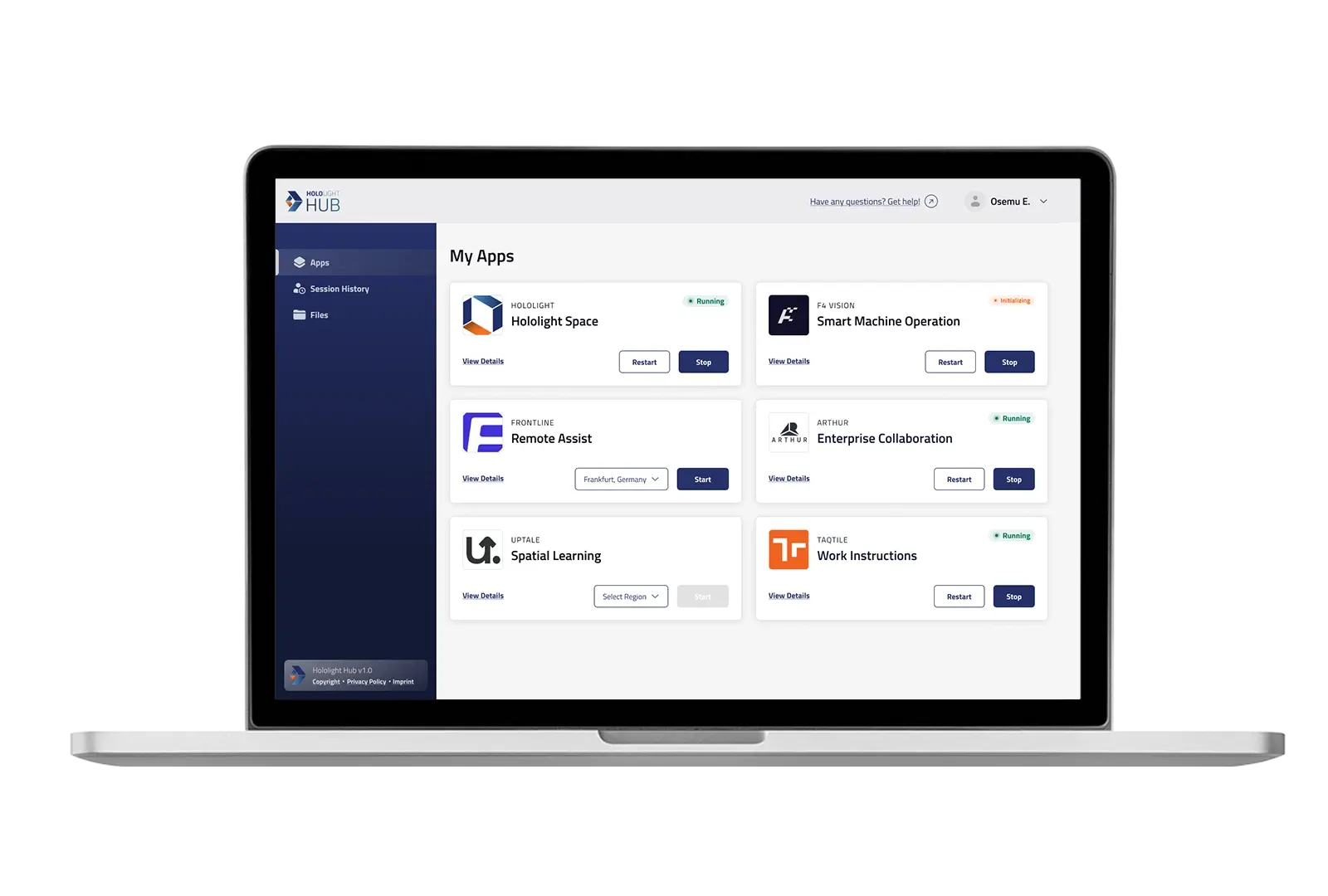
Hololight Space is Hololight’s 3D viewer application for industrial XR, delivered through our XR Streaming Platform Hololight Hub. Hololight Hub provides the central application and access layer, while Hololight Stream provides the pixel-streaming foundation that connects the viewer to supported AR and VR devices.
For organizations with additional XR applications, Hololight Hub can serve as the place to host and access those applications alongside the 3D Viewer. This makes the viewer a practical starting point for a broader enterprise XR program, not a standalone tool disconnected from IT operations.


Explosion View
Separate your model's components along a chosen axis to reveal internal structure and part relationships at a glance.
Measure
Quickly measure distances and angles directly on your 3D model for precise spatial verification.
Cross Section
Cut through your model using different shapes to expose its interior. Simply scale the section object to control how much is revealed.
Collision Detection
Highlights where your hand intersects with the model, making it easy to identify hard-to-reach areas during assembly planning.
Comparison
Overlay two models to instantly spot differences between versions or variants.
Annotation
Mark up your model in 3D with freehand drawings, text, and stamps, ideal for review and approval workflows.
COMPATIBILITY
Work Seamlessly Across Devices & File Types
Hololight's 3D viewer for XR supports a wide range of AR and VR devices and industry-standard 3D file types, ensuring you can work with the tools and formats you rely on.
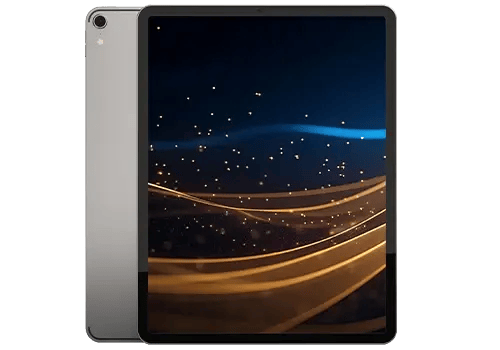
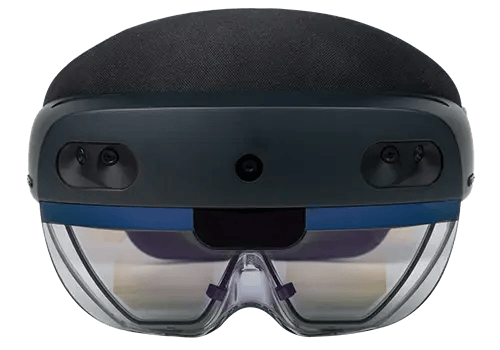
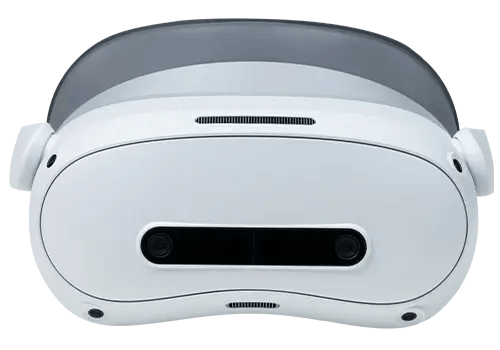
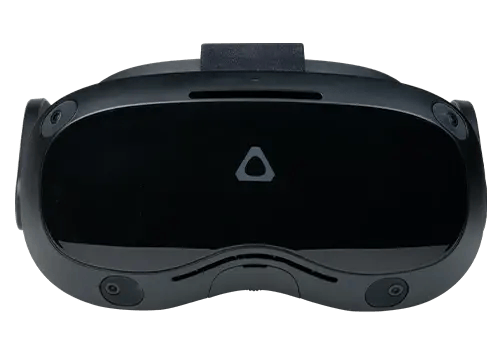
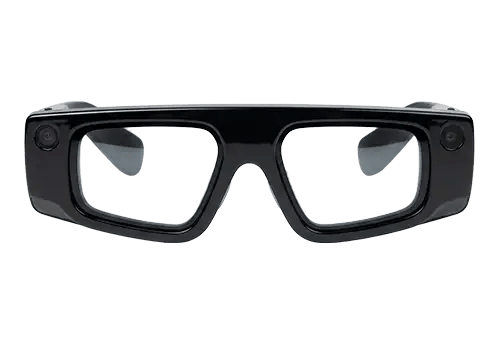
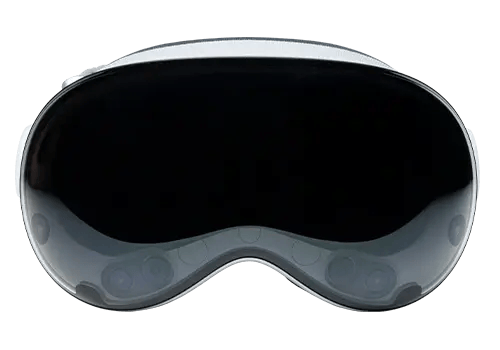
Supported devices include the HTC VIVE family, Meta Quest family, Snap Spectacles, Apple Vision Pro, PICO 4 Ultra Enterprise, and Microsoft HoloLens 2 in maintenance mode. Apple iPad Pro is supported through the Spectator companion application.
Apple Vision Pro
iOS
Microsoft HoloLens 2
PICO 4 Ultra Enterprise
HTC VIVE Family
Meta Quest Family
Snap Spectacles
The 3D viewer works with all established CAD formats as well as pdf and common image and video files.
FAQ
Learn more about the VR and AR 3D viewer
-
What file formats can I import into the 3D CAD viewer?
You can import 3D models created in tools such as Siemens NX, CATIA, SolidWorks, BIM, Solid Edge, AutoCAD, Inventor, and PTC Creo, as well as exchange formats including .jt, .fbx, .step, .usd, and .glTF. The viewer can also display files such as .mp4, .pdf, .jpg, and .png.
-
How do I import 3D CAD content into Hololight Space?
You can save files on a Windows PC or cloud storage, drag and drop them from Windows File Explorer, load them through the viewer’s file explorer, or use the NVIDIA Omniverse integration. The best method depends on your infrastructure and workflow.
-
Do I need to reduce polygons or prepare my CAD models?
No additional polygon reduction or model simplification is required for the viewer’s core workflow. With Hololight Stream, the application runs on more powerful external infrastructure and only the rendered visual output is pixel-streamed to the device, allowing teams to work with high-detail models at full complexity.
-
Can I view NVIDIA Omniverse files in AR or VR?
Yes. Hololight’s 3D viewer provides access to USD files within NVIDIA Omniverse in local or cloud environments. An NVIDIA Omniverse account is required.
-
Can I save annotations, measurements, and edits?
Yes. You can save 3D CAD models with annotations, measurements, and edits in a workspace, then load the work later for continued review or preparation for a meeting.
-
Why is the 3D CAD viewer streamed?
Industrial CAD models can be too large and complex for standalone AR and VR devices to process locally. Pixel streaming shifts application execution and rendering to more powerful infrastructure while the device displays the rendered output. This eliminates the need for lower-detail versions or time-consuming model preparation.
-
Which XR streaming technology does Hololight use?
The 3D viewer uses Hololight’s proprietary XR streaming technology, a pixel-streaming solution for industrial and enterprise AR and VR applications. Applications can be streamed over Wi-Fi, 5G, or LiFi networks, depending on the deployment.
-
Which infrastructure can I use to stream the viewer?
Customers can choose the infrastructure that fits their environment, including gaming laptops, on-premises servers, public cloud, private cloud, 5G campus infrastructure, or government cloud solutions.
-
Which devices are supported?
The 3D viewer supports the HTC VIVE family, Meta Quest family, Snap Spectacles, Apple Vision Pro, PICO 4 Ultra Enterprise, and Microsoft HoloLens 2 in maintenance mode. Users can also join sessions through the Spectator companion application on Apple iPad Pro. Device capabilities can vary, so confirm the current support matrix for your use case.
-
What is the difference between using the viewer in AR and VR?
The viewer runs on both AR and VR devices. AR is useful when teams need to place or compare virtual objects in the physical environment. VR is useful when the surrounding environment does not need to remain visible or when teams want a fully immersive model-review experience. The right device depends on the workflow.
-
How can CAD visualization software improve engineering workflows?
A 3D CAD viewer can help teams review designs at full scale, identify errors earlier, compare variants, inspect internal structures, collaborate across locations, and reduce reliance on physical prototypes. Hololight’s success-story materials cite 25% faster design evaluations, 50% lower physical prototyping costs, 25% less travel, and 90% fewer design errors. Hololight experts can help identify potential applications across the product lifecycle.
-
How can I visualize my digital twin in augmented reality?
Digital twins can contain more detail and data than a standalone headset can process efficiently. Hololight Space uses pixel streaming to visualize complex digital twins in AR and VR at full scale and complexity, helping teams work with representations of factories, engines, machines, turbines, and cooling systems.
-
How much experience does Hololight have in enterprise XR?
Hololight has more than a decade of experience in enterprise XR. Our experts can help identify potential applications for Hololight Space across the product lifecycle, including design evaluation, collaboration, physical prototype reduction, and decision-making.
-
How can I evaluate Hololight Space?
Request a demo or trial to discuss your CAD formats, models, devices, infrastructure, and review workflow with the Hololight team.
CONTACT US
Discuss your use case with us today
Ready to evaluate a VR CAD viewer for your engineering or manufacturing workflow? Talk with Hololight about your models, devices, infrastructure, and collaboration goals.