1 min read

Hololight Stream Runtime - XR Streaming out of the box

Hololight Stream Runtime - XR Streaming out of the box
2:05

Until now, streaming XR experiences has largely been the domain of developers - requiring SDK integrations, system configurations, and a fair bit of technical know-how. That changes with the release of Hololight Stream Runtime.


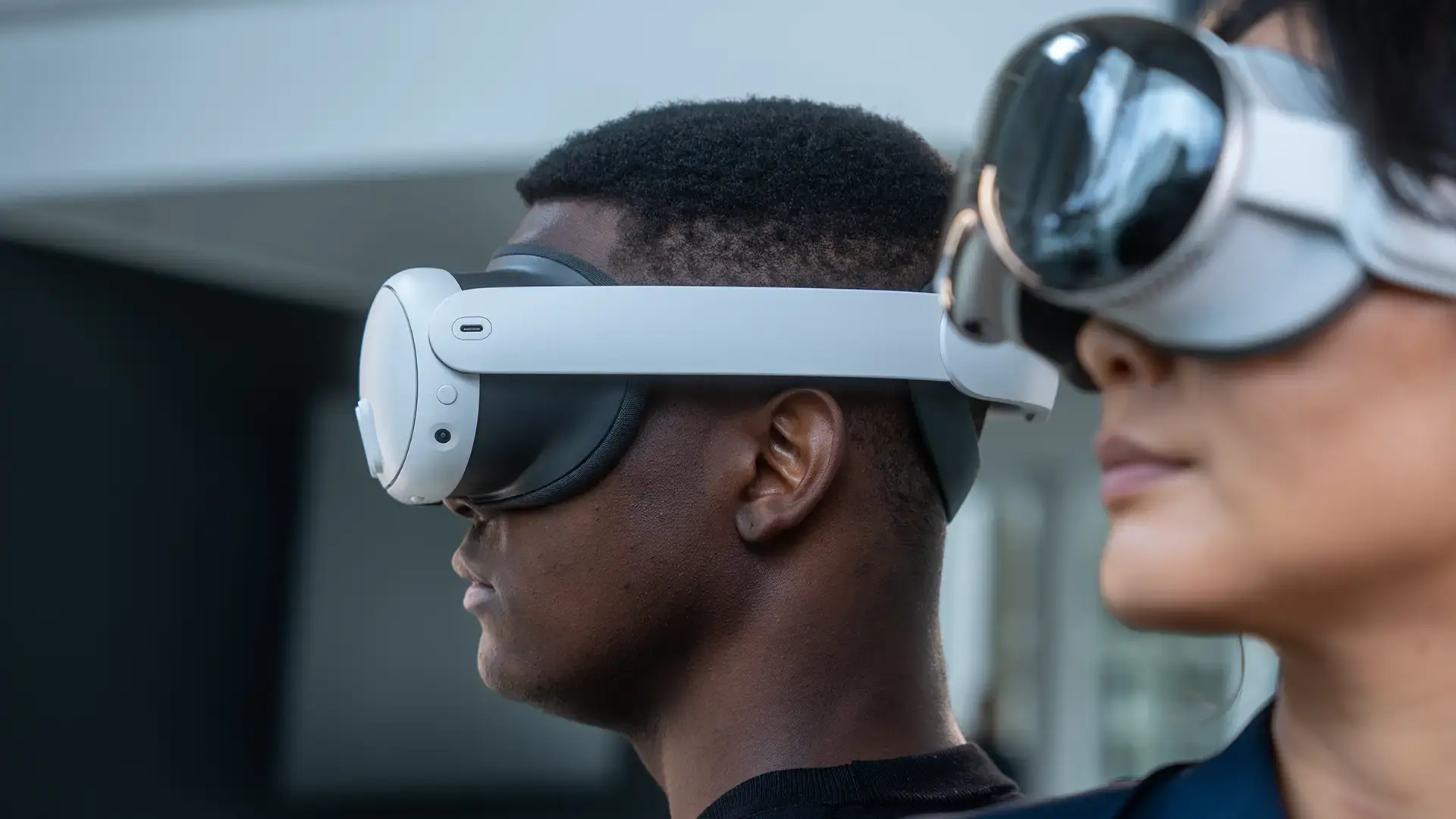
This new component of Hololight Stream brings plug-and-play XR streaming to end users. With a single installation, users can stream OpenXR-compatible applications across leading devices - without writing a line of code or configuring complex environments.


One install. Instant streaming.


Hololight Stream Runtime is designed for simplicity. Once installed on your PC or workstation, it enables you to:

  • Stream any OpenXR-supported application.

  • Connect with your supported XR device instantly.

Whether you’re a designer, engineer, researcher, or decision-maker, you can now access applications in XR with the same ease as launching a desktop app.


Works out of the box with leading 3D applications


Hololight Stream Runtime isn’t tied to a single platform or use case. It supports a broad ecosystem of 3D software tools used across automotive, aerospace, manufacturing, and research.

You can stream directly from:

  • Autodesk VRED – Design reviews and real-time collaboration

  • Blender – Immersive visualization of 3D scenes

  • NVIDIA Omniverse – Industrial metaverse workflows

  • KeyShot VR– High-fidelity product renderings in XR

  • ParaView – Scientific visualization and simulation

  • UNIGINE – Real-time simulation and digital twins

  • Godot – Open-source XR applications and prototypes

The runtime eliminates the need for engine-specific integration, allowing these applications to be streamed to your XR device using Hololight’s pixel streaming infrastructure.


All setup guides in one place


Need help getting started? Our support site includes everything you need:

  • Installation instructions for Hololight Stream Runtime

  • Licensing guidance

  • Step-by-step engine-specific setup for VRED, Blender, Omniverse, and more

Visit the Hololight support page to access the full documentation and resources.

XR Device Management vs. XR Streaming: What Enterprise Headset Fleets Actually Need

XR Device Management vs. XR Streaming: What Enterprise Headset Fleets Actually Need

For most enterprise teams, XR device management means one thing: a way to control their headsets. Mobile device management (MDM) tools like ArborXR,...

See Updates
Snap Specs for Enterprise: What Launched in Los Angeles

Snap Specs for Enterprise: What Launched in Los Angeles

On September 16, Snap gave the first full public showing of its Specs augmented reality glasses at a launch event in Los Angeles. Alongside the...

See Updates
HMS SiNGRAY G2 vs. Microsoft HoloLens 2

HMS SiNGRAY G2 vs. Microsoft HoloLens 2

In 2026, enterprise teams replacing aging AR hardware face a question the market has not fully answered: is the HMS SiNGRAY G2 a credible successor...

See Updates