2 min read
VRED VR Streaming — Visualize Autodesk VRED in XR with Hololight
Alexandra Hermann
Updated on April 29, 2026
VRED VR and XR Streaming: Visualize Autodesk VRED Designs in XR with One Click
In the world of automotive, industrial, and product design, Autodesk VRED has long been the gold standard for high-end real-time visualization and dependable decision-making. But as design review processes shift toward immersive XR experiences, many teams face the same hurdles:
-
Limited device performance
-
Fragmented XR hardware ecosystems
-
Security concerns around sensitive 3D data
Hololight Stream Runtime solves these challenges - bringing Autodesk VRED’s exceptional visual quality directly into XR, instantly and effortlessly.
From Desktop to Headset in One Click
With Hololight's XR streaming technology, streaming your Autodesk VRED scene into XR is as simple as pressing the Hololight Stream button inside the application.
-
No complex builds
-
No custom integrations
-
No compromises on quality
Once the runtime is installed on your PC or workstation, you just connect your XR headset via the Hololight Stream Client - and your design is ready to explore in immersive XR.
Why Hololight Stream is a Game-Changer for Autodesk VRED Users
1. High-End Visual Quality in XR
Autodesk VRED is known for photorealistic rendering. Hololight ensures you get the exact same visual fidelity in XR, with pixel streaming that preserves every detail and texture.
2. Device Agnostic Flexibility
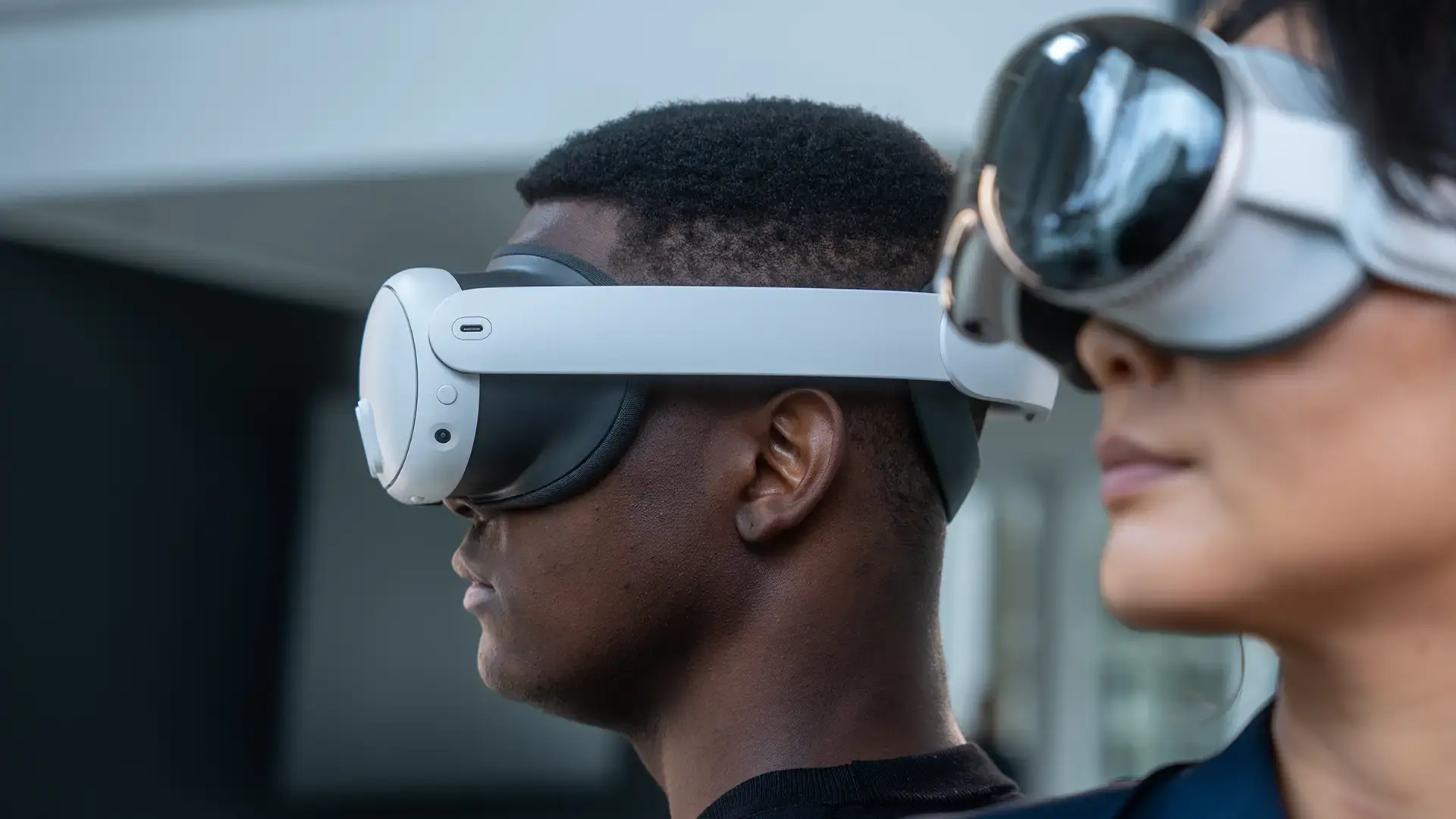
Whether you use HoloLens 2, Meta Quest, HTC Vive Focus, PICO, or Apple Vision Pro - Hololight’s device-agnostic approach means you can stream from the same runtime environment to any major XR headset.
3. Secure by Design
In enterprise deployments, your 3D data never leaves your secure environment. There is no local storage or processing on the headset, making it ideal for industries where IP protection is non-negotiable.
4. Instant Collaboration
Invite colleagues or stakeholders to step into the same XR scene - review design variants, discuss adjustments, and make decisions faster than ever.
5. Accelerated Workflow
Streaming eliminates the need to export or optimize assets for specific devices. Designers stay in their familiar Autodesk VRED environment, while still accessing the freedom of wireless XR.
Use Cases: Where VRED Meets XR
-
Automotive Design Reviews – Walk around full-scale vehicles in XR, with real-time adjustments to lighting, materials, or configurations.
-
Product Visualization – Present complex consumer products in photorealistic XR to customers or internal teams.
-
Collaborative Engineering – Identify design challenges early with immersive, multi-user review sessions.
Conclusion: A Better Way to Design in XR
By combining Autodesk VRED's visualization power with Hololight's XR streaming technology, design teams can finally unlock immersive workflows without technical roadblocks. The result: faster decisions, higher-quality reviews, and a seamless path from concept to production.
See how Genesis Design Studio put this into practice, streaming full-scale automotive and industrial designs into XR for ergonomic validation and stakeholder reviews.
VR Streaming for Business: Why you're finding the wrong tools
If you've been searching for a way to stream VR applications across your organization, you've probably already noticed that something doesn't add...
AR Headsets in 2026: Building an XR Strategy for a Fast-Moving Market
At a glance The enterprise AR and VR device market is busy: significant new hardware is arriving in 2026, including PICO's Project Swan and Snap's...